How to Fix the "human_face_detect_msr01.hpp" Error on ESP32-S3 Cam
Encountering the human_face_detect_msr01.hpp compilation error on your new ESP32-S3 Cam? This usually happens with ESP32 Board Manager v3.0+. Check out this simple code tweak to resolve the issue and get your video streaming instantly without downgrading your tools.
Hey everyone, IoT Bhai here!
Today, I’m working with the powerful ESP32-S3 Cam. It's a fantastic upgrade over the older ESP32-CAM AI-Thinker boards, boasting more processing power and better specs.
However, when you first try to run the standard "CameraWebServer" example code in the Arduino IDE with this new board, you might hit a frustrating brick wall. You hit compile, wait for a bit, and suddenly you're hit with a nasty red error message.
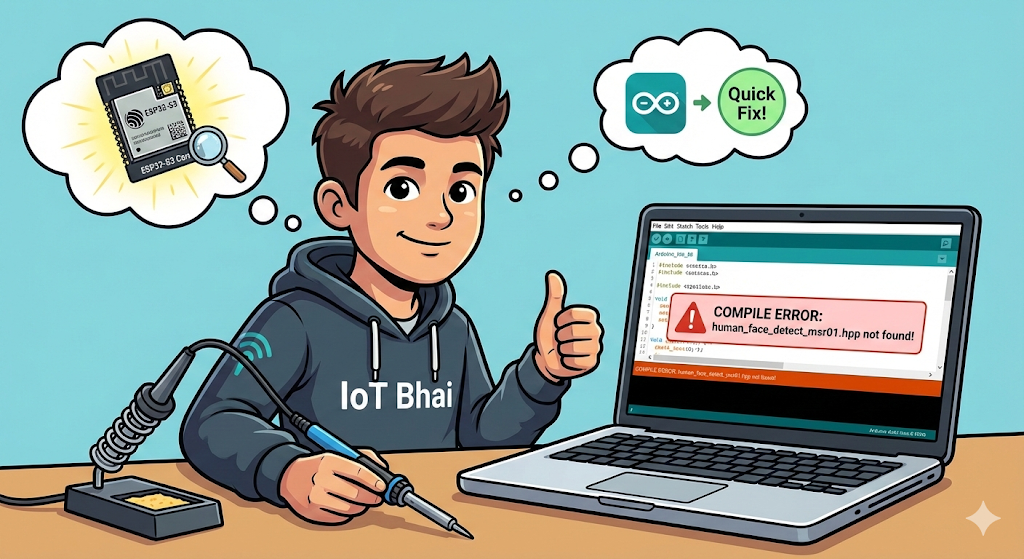
If that error involves a missing file called human_face_detect_msr01.hpp, don't worry. You haven't broken anything, your board is fine, and the fix is incredibly simple.
Let's get it sorted out in about 30 seconds.
The Problem Explained
When you try to compile the default Camera Web Server code, the Arduino IDE throws an error looking something like this:
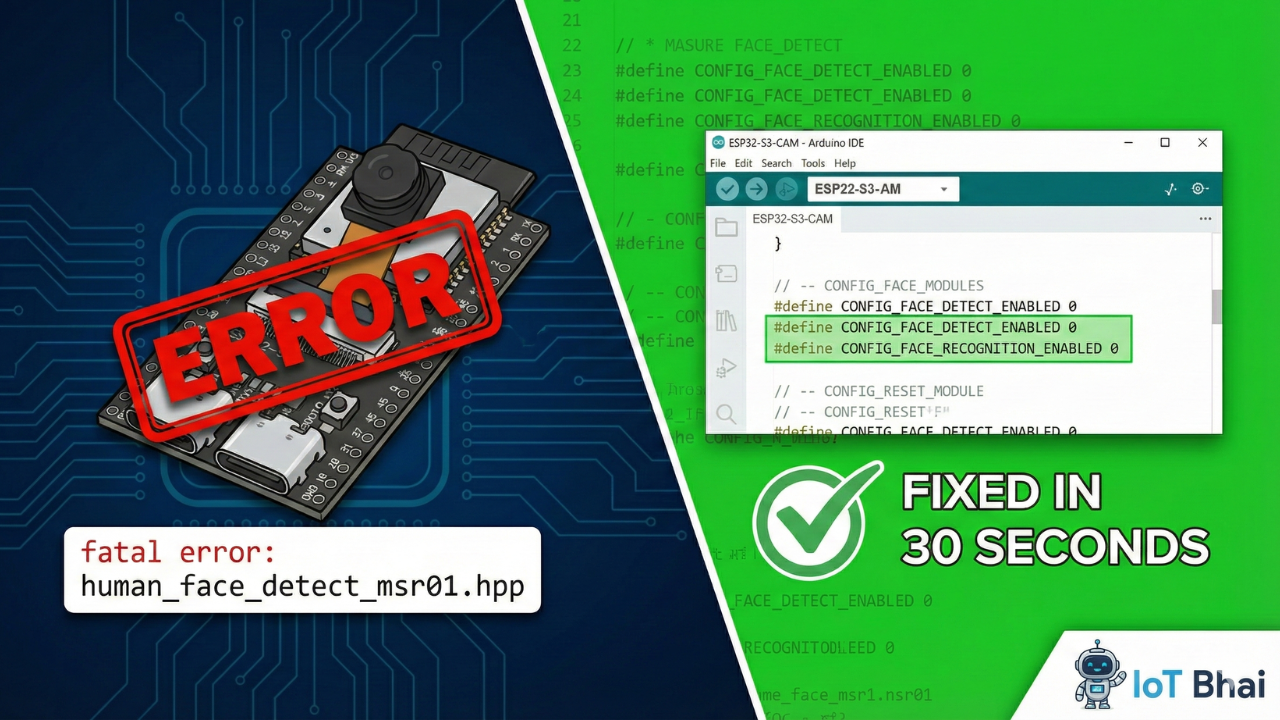
fatal error: human_face_detect_msr01.hpp: No such file or directory
#include "human_face_detect_msr01.hpp"
^~~~~~~~~~~~~~~~~~~~~~~~~~~~~
compilation terminated.
Why is this happening?
This error usually occurs because of an incompatibility in the ESP32 Boards Manager versions.
If you have recently updated your ESP32 board definitions in Arduino IDE to version 3.0.0 or newer, the old face detection libraries used in the example code are no longer supported or have been moved. The compiler is looking for a file that simply isn't there anymore in the newer core versions.
The Solution: Two Options
There are two ways to fix this.
Option 1: The "Downgrade" Method (Slower)
You could go into your Arduino Board Manager, uninstall your current ESP32 version, and install an older version (like version 2.0.14 or similar 2.x versions). This will make the old code work, but you miss out on the improvements in the newer 3.x core.
Option 2: The "IoT Bhai Quick Fix" (Recommended)
Instead of downgrading our tools, we will just slightly modify the code to stop it from looking for that missing file.
Since the error is related to "human face detection," the easiest fix—if you just want to stream video and don't need facial recognition right now—is to simply disable that feature in the code.
Here are the steps:
- Open your CameraWebServer.ino sketch in the Arduino IDE.
- Look near the top of the file (app_httpd.cpp) for the settings related to face detection.
- You are looking for these two specific lines:
// Before the fix, they usually look like this (set to 1):
#define CONFIG_FACE_DETECT_ENABLED 1
#define CONFIG_FACE_RECOGNITION_ENABLED 1
- Change the
1to a0for both of these lines. This tells the code, "Hey, don't try to use face detection today."
Your code should now look like this:
// After the fix (set to 0):
#define CONFIG_FACE_DETECT_ENABLED 0
#define CONFIG_FACE_RECOGNITION_ENABLED 0
The Result
Once you have made those two tiny changes:
- Select your correct board (ESP32S3 Dev Module) and COM port.
- Hit the Upload button.
You will notice that the code now compiles perfectly without any errors!
Conclusion
I hope this quick tip helped you get your ESP32-S3 Cam up and running without pulling your hair out over library errors. Sometimes the newest updates break older examples, but a quick code tweak is all you need.

If this helped you out, please consider subscribing to the IoT Bhai YouTube channel for more quick fixes, tutorials, and IoT projects!