Free Public MQTT Broker for IoT Projects: Introducing mqtt.iotbhai.io
I have launched a dedicated, free-to-use public MQTT broker for the developer community! Whether you are testing an ESP32 or building a web dashboard, click here for the connection details, ports, and code examples to get started with mqtt.iotbhai.io.
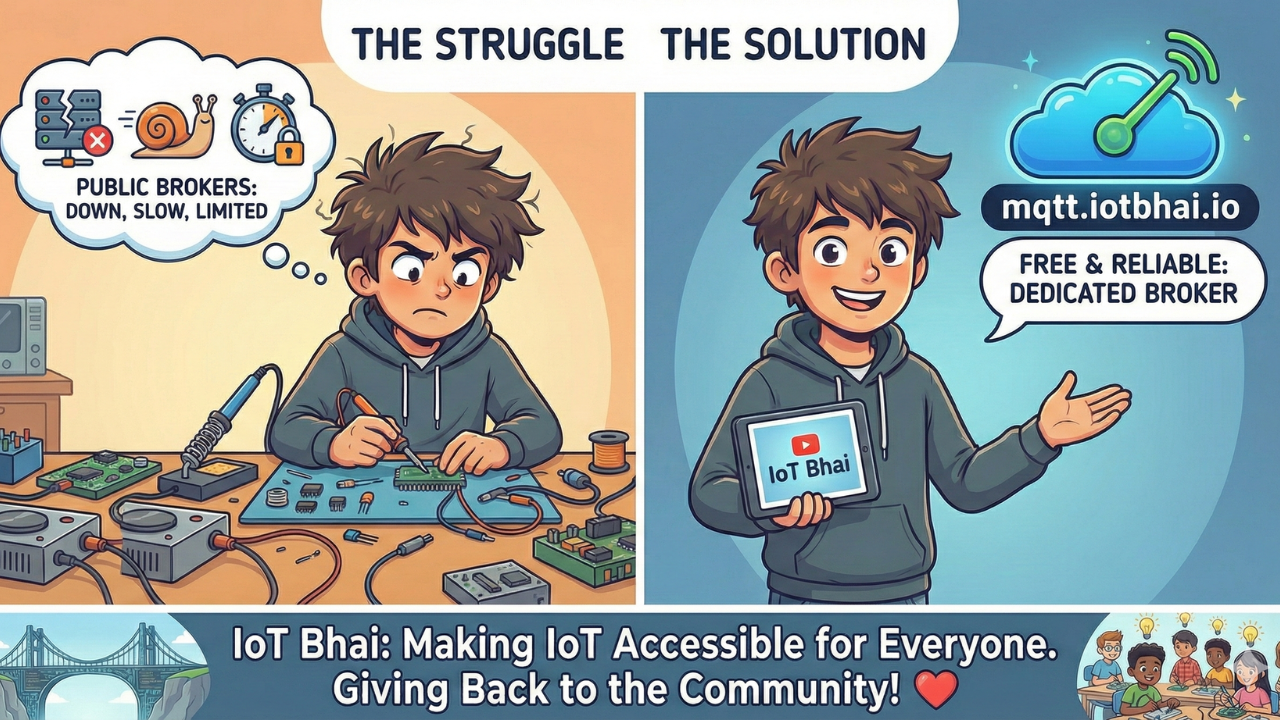
The Problem with Public Brokers
If you are an IoT developer, a student, or a hobbyist, you know the struggle. You are working on a new ESP32 project, and you just need a quick way to send data from Point A to Point B.
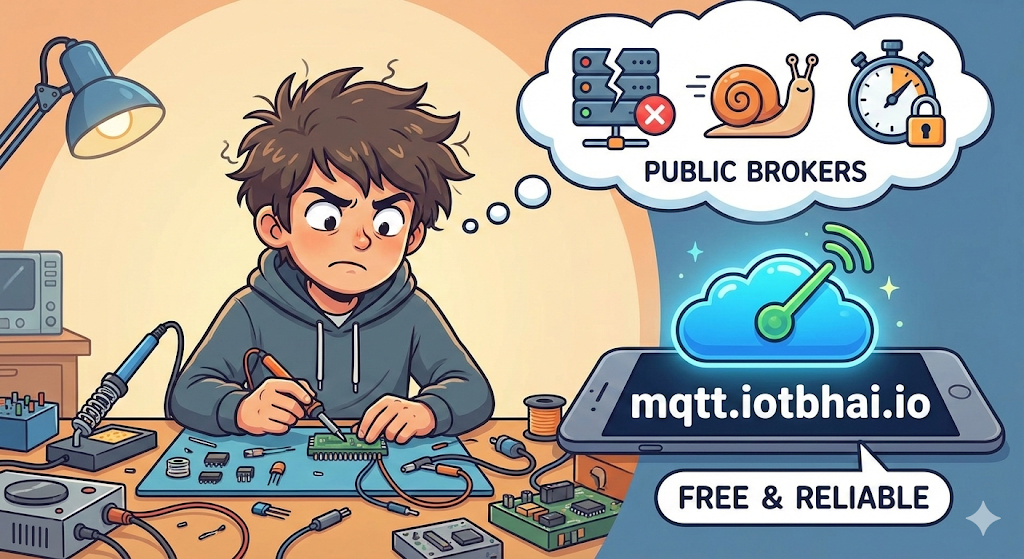
You try the common public brokers, but sometimes they are down, sometimes they are incredibly slow because of overload, or they limit your connection time.
I realized that our community needs more reliable resources. That is why I decided to launch a dedicated, free-to-use public MQTT broker: mqtt.iotbhai.io.
Connection Details (The Cheat Sheet)
You can use these details to connect any device—whether it’s an ESP32, ESP8266, Raspberry Pi, or a Python script.
| Parameter | Value | Description |
| Broker Host | mqtt.iotbhai.io | The server address |
| TCP Port | 1883 | Standard unencrypted port (Best for simple ESP32 projects) |
| WebSocket Port | 8083 | Use this for Web Dashboards (React, Vue, HTML) |
| Username | (Leave Empty) | No authentication required |
| Password | (Leave Empty) | No authentication required |
How to Use It (Code Examples)
Here are two quick examples to get you started.
1. ESP32 / ESP8266 (Arduino IDE)
If you are using the standard PubSubClient library, here is the setup:
#include <WiFi.h>
#include <PubSubClient.h>

const char* ssid = "YOUR_WIFI_SSID";
const char* password = "YOUR_WIFI_PASSWORD";
const char* mqtt_server = "mqtt.iotbhai.io";

WiFiClient espClient;
PubSubClient client(espClient);

void setup() {
  Serial.begin(115200);
  setup_wifi();
  client.setServer(mqtt_server, 1883);
}

void loop() {
  if (!client.connected()) {
    reconnect();
  }
  client.loop();

  // Publish a message every 2 seconds
  client.publish("iotbhai/test/topic", "Hello from ESP32");
  delay(2000);
}

// ... (Add your standard wifi/reconnect functions here)
2. Python (Paho-MQTT)
If you are testing from your laptop or a Raspberry Pi:
import paho.mqtt.client as mqtt

broker = "mqtt.iotbhai.io"
port = 1883
topic = "iotbhai/test/topic"

def on_connect(client, userdata, flags, rc):
    print("Connected with result code "+str(rc))
    client.subscribe(topic)

def on_message(client, userdata, msg):
    print(f"Topic: {msg.topic} | Message: {msg.payload.decode()}")

client = mqtt.Client()
client.on_connect = on_connect
client.on_message = on_message

client.connect(broker, port, 60)
client.loop_forever()
🛠 Practical Projects to Build Right Now
Now that you have the broker, what should you build? I have written three complete, step-by-step guides that you can test using mqtt.iotbhai.io right now.
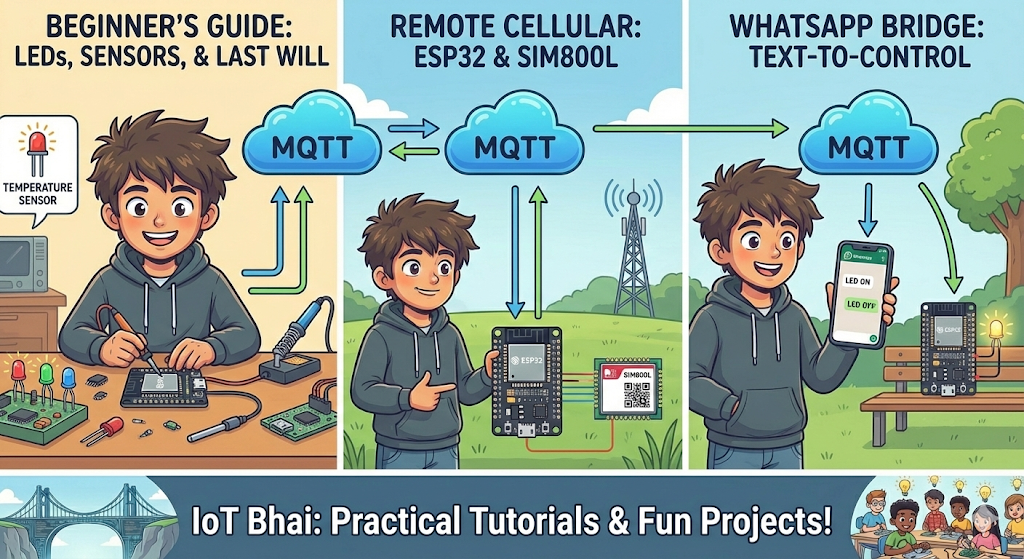
- ESP32 & MQTT Beginner's Guide New to MQTT? Start here. This guide teaches you how to control LEDs, monitor sensor data, and understand the "Last Will and Testament" feature to detect offline devices instantly.
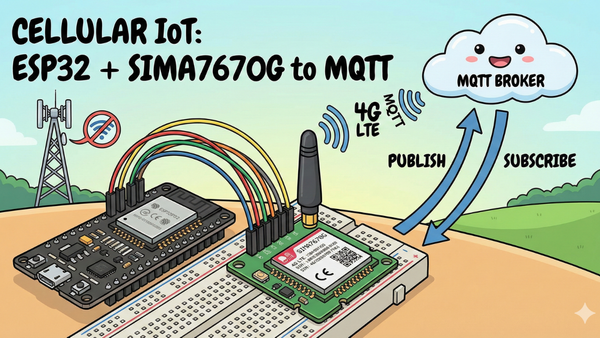
- Connect ESP32 via GSM (SIM800L) Don't have Wi-Fi? No problem. Learn how to connect your ESP32 to this MQTT broker using cellular data with the SIM800L module. Perfect for remote tracking projects.
- Control ESP32 via WhatsApp Want to impress your friends? This tutorial shows you how to build a bridge between WhatsApp and MQTT. You can text "LED ON" from your phone, and your ESP32 will react instantly!
Best Practices for Using a Public Broker
To ensure mqtt.iotbhai.io remains a reliable resource for everyone. Please keep these best practices in mind:
- Unique Client IDs: Always use a unique and ideally random Client ID for each device or application connecting. This prevents connection conflicts and disconnections.
- Bad:
my_esp32 - Good:
my_esp32_1a2b3c4d5e6f
- Bad:
- Topic Namespacing: Since this is a public broker, anyone can subscribe to any topic. To avoid collisions and maintain some privacy, prefix your topics with a unique identifier, e.g., your project name or a unique ID.
- Bad:
/temperature - Good:
iotbhai/yourname/projectX/sensor1/temperature
- Bad:
- Avoid Sensitive Data: Do NOT transmit any sensitive, personal, or confidential information over this public broker. Assume all data can be viewed by others. This broker is for testing and learning, not for production systems handling critical data.
- Keep Payloads Small: While there isn't a strict limit, keeping your message payloads concise is good practice and helps the broker run smoothly for everyone.
- No High-Frequency Bursts: Avoid sending messages at extremely high frequencies (e.g., thousands per second from a single device) as this can impact service for others.
Why I Built This
My goal with IoT Bhai is to make the Internet of Things accessible. Whether through my YouTube tutorials or this website, I want to remove the barriers to learning. Hosting this broker is my way of giving back to the community that supports me.
If you use the broker for a cool project, let me know in the comments or tag me on social media!
Happy coding!